








The Nomad's Admin Guide: Managing Mail, Documents & Stuff With No Fixed Address
Complete system for digital nomads to handle mail forwarding, document storage, and minimize possessions without a permanent address.
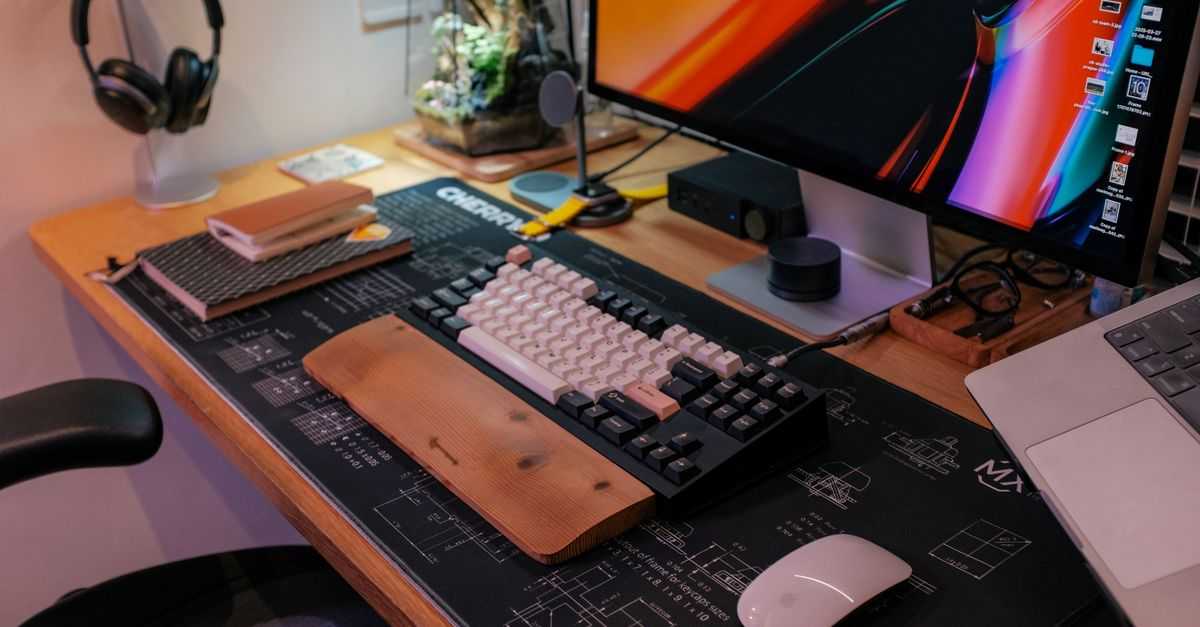
Master the art of setting up a productive workspace within 24 hours of arrival. Complete guide for nomads to optimize any location for remote work.
Moving to a new location as a digital nomad shouldn't mean sacrificing productivity. Whether you're checking into a hostel in Bangkok, an Airbnb in Barcelona, or your first day at a coworking space in Mexico City, you can transform any environment into a productive workspace within 24 hours.
The key is having a systematic approach that covers the essentials: ergonomics, lighting, noise control, and the right portable gear. Here's your step-by-step guide to workspace mastery.
Find Your Designated Work Zone: The first rule of productive remote work is establishing boundaries. Even in a shared hostel dorm, you need a specific area that becomes "work mode" in your mind.
Look for spaces away from high-traffic areas like kitchens or main lounges where distractions are frequent. A separate area helps create boundaries between work and personal life, allowing you to focus without interruptions.
In hostels, scout for quiet corners in common areas during off-peak hours. In Airbnbs, claim a dining table or set up near a window. In coworking spaces, test different zones to find your sweet spot.
Quick Space Assessment: Check for power outlets, WiFi strength, and natural light sources. These three factors will determine if your chosen spot can sustain a full workday.
Laptop Stand or Monitor Setup: Your screen should be at eye level to prevent neck strain. If you don't have a portable laptop stand, improvise with books, boxes, or even a stack of towels.
External Keyboard and Mouse: Once your laptop is elevated, you'll need an external keyboard and mouse to maintain proper arm positioning. This is non-negotiable for long work sessions.
Chair Optimization: Most locations won't have perfect office chairs, but you can make improvements. Add a cushion for height, use a small pillow for lower back support, or even work standing if the setup allows.
Declutter Your Immediate Area: A cluttered workspace leads to mental clutter, making it harder to concentrate on tasks. Keep only essentials within arm's reach and organize everything else in your bag or designated storage area.
Maximize Natural Light: Natural light is listed as the number one office perk by Harvard Business Review because it helps people feel more awake and alert throughout the day while decreasing eyestrain.
Position yourself perpendicular to windows to avoid glare on your screen. If natural light is limited, invest in a small LED desk lamp that provides warm, adjustable lighting.
Temperature and Air Quality: Open windows when possible for fresh air circulation. If you're in a stuffy hostel room or Airbnb without good ventilation, consider working in common areas or finding nearby cafes during peak heat hours.
Create Visual Boundaries: Even in shared spaces, you can create a sense of privacy. Use your laptop screen as a barrier, position your back to a wall, or set up near a room divider.
Identify Your Noise Preference: Some people work better in silence while others need the hustle and bustle of a busy environment. Test your location during different times of day to understand the noise patterns.
Noise-Canceling Solutions: Invest in quality noise-canceling headphones or earbuds. They're essential for hostel environments and open coworking spaces. Create playlists that match your preferred work atmosphere.
Strategic Timing: Learn the rhythm of your location. Hostels are usually quieter in the mornings, coworking spaces hit peak noise around lunch, and Airbnb neighbors might be active in the evenings.
WiFi Optimization: Test internet speeds and identify dead zones. Have backup options ready: mobile hotspot, nearby cafes, or coworking day passes.
Digital Workspace Setup: Organize your desktop, clear unnecessary browser tabs, and set up your preferred apps and tools. Digital clutter can be just as distracting as physical clutter.
Establish Work Boundaries: Change into work clothes even if no one will see you. Getting dressed can reduce stress and increase productivity by setting the tone for your workday.
Plan Your Schedule: Adapt to local time zones and cultural rhythms. In some countries, businesses close for siesta hours. In others, coworking spaces are busiest in the early morning.
Setting up a productive workspace in any location within 24 hours is absolutely achievable with the right approach. Focus on the fundamentals: designated space, proper ergonomics, good lighting, noise control, and digital organization.
Remember that perfection isn't the goal, functionality is. Your hostel desk setup won't match a corporate office, but it can still support focused, productive work. The key is consistency in your approach and adaptability to each new environment.
Start implementing this system at your next destination. Your productivity levels will thank you, and you'll spend less time adjusting and more time doing what you love most about the nomad lifestyle.
Complete system for digital nomads to handle mail forwarding, document storage, and minimize possessions without a permanent address.
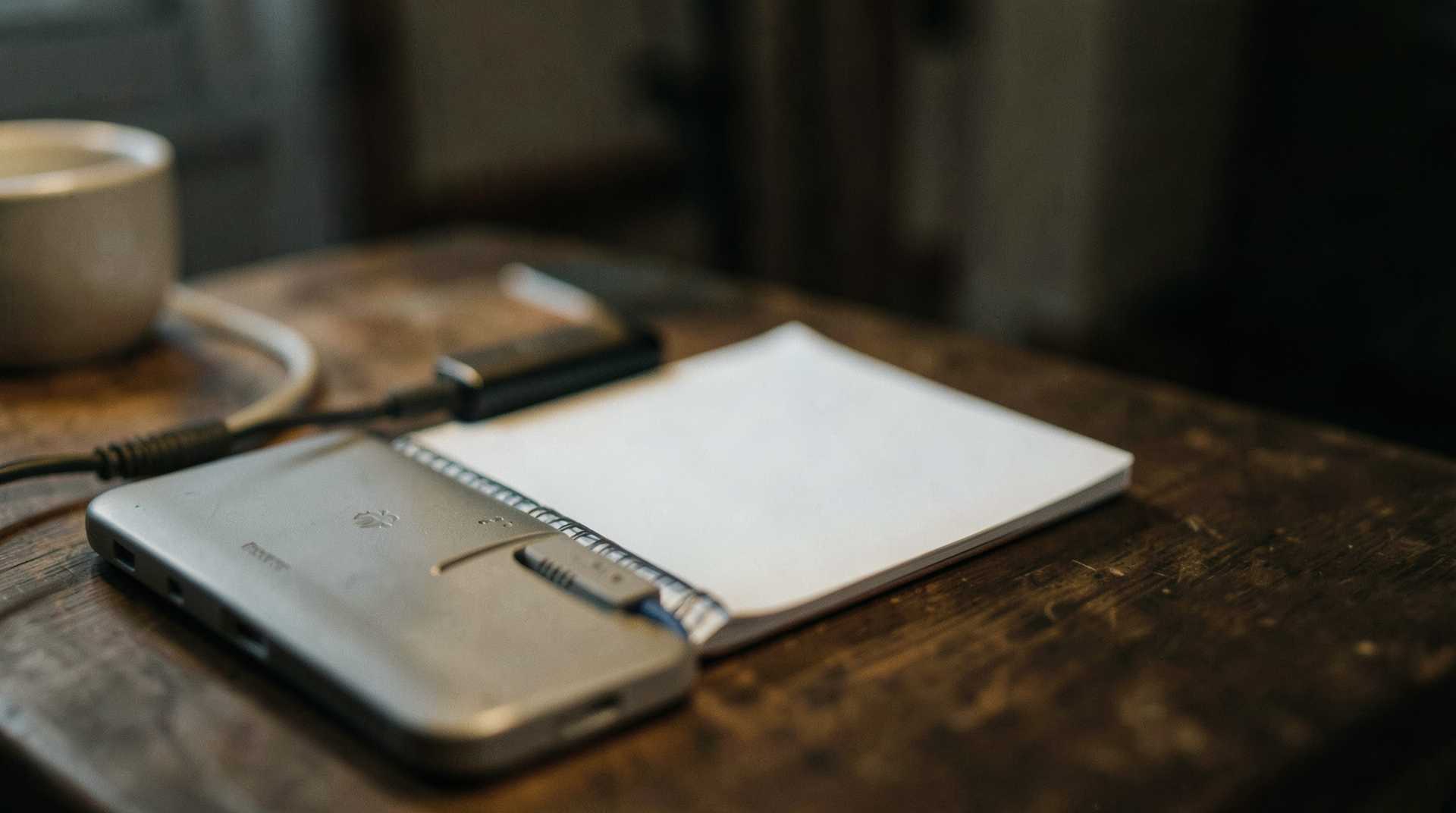
Essential backup strategies and workflow adaptations for digital nomads when internet fails. Practical tips for staying productive with unreliable connectivity.
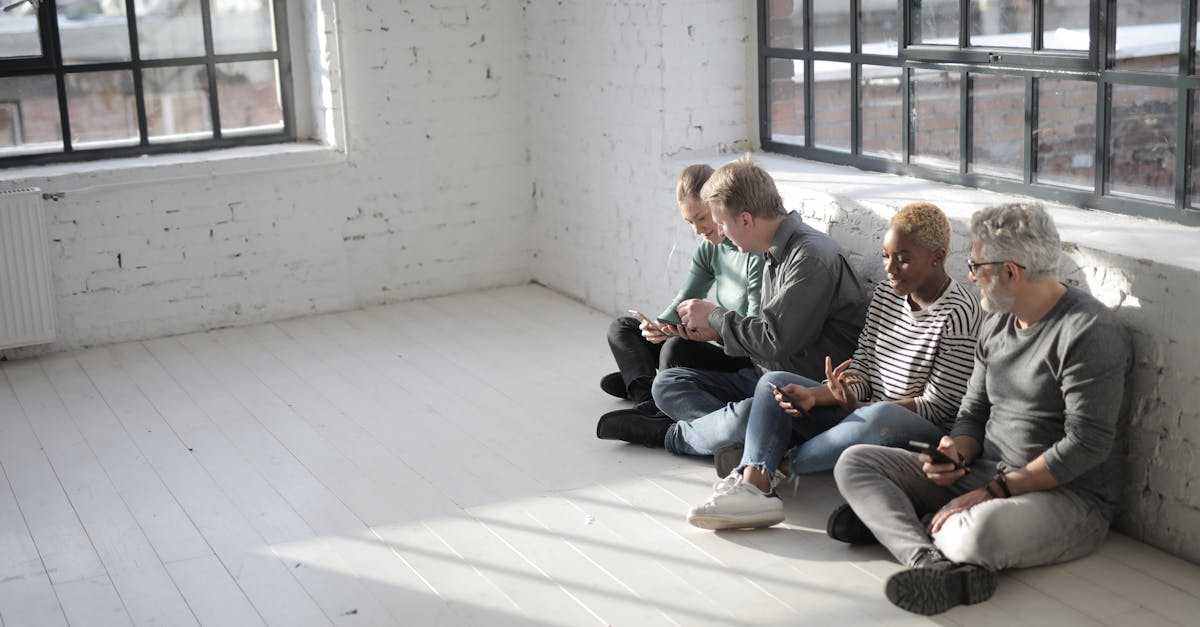
Step-by-step system to build a professional network in any new city within 30 days as a digital nomad. Beyond coworking spaces.

Build a modular portable office that sets up in 15 minutes across hostels, Airbnbs, cafes, and co-living spaces. Budget-friendly gear guide included.
Get the best nomad resources, tips, and exclusive deals delivered straight to your inbox. No spam, just valuable content for your nomad journey.
Join fellow nomads. Unsubscribe anytime.