








Never Miss a Deadline Again: The 3-Layer Internet Backup System Every Nomad Needs
Build a bulletproof internet backup system with mobile hotspots, failover protocols, and emergency procedures to keep working when primary WiFi fails.

Build a modular portable office that sets up in 15 minutes across hostels, Airbnbs, cafes, and co-living spaces. Budget-friendly gear guide included.
Working from a cramped hostel bunk, a wobbly cafe table, or that "desk" in your Airbnb that's actually a dining chair? You're not alone. The key to productive nomad life isn't finding perfect workspaces, it's bringing your own office that adapts to any space in under 15 minutes.
Forget the one-size-fits-all approach. Your portable office should work like building blocks: essential core items that work everywhere, plus add-ons for specific situations. This modular system means you pack light for short trips but can scale up for longer stays.
The Three-Tier System:
This fits in a small packing cube and works on airplane tray tables, hostel bunks, or park benches.
Laptop Stand: A Roost portable laptop stand transforms any surface into an ergonomic workspace. It weighs just 6 ounces and adjusts from 6-12 inches high. Setup time: 30 seconds.
Compact External Keyboard: Skip the full-size keyboard. Get a 60% mechanical keyboard like the Anne Pro 2. Bluetooth connection means no dongles to lose.
Multi-Port Charger: One 65W GaN charger handles laptop, phone, and accessories. Look for models with 3+ USB-C ports.
Noise-Canceling Earbuds: Essential for hostel dormitories and loud cafes. Sony WF-1000XM4 or Apple AirPods Pro work perfectly.
Portable Mouse: The MX Master 3 remains the gold standard for nomads. Works on any surface and has incredible battery life.
Portable Monitor: 13-15 inch USB-C monitors are game-changers for productivity. The ASUS ZenScreen series weighs under 2 pounds and runs off laptop power.
Travel Router: A GL.iNet travel router creates your own secure network and can boost weak wifi signals. Essential for sketchy public networks.
Portable Power Bank: An Anker PowerCore 26800mAh keeps everything running during long flights or power outages. Choose models with 60W+ output for laptop charging.
Cable Management: A cable organizer pouch saves setup time and prevents the "cable salad" that makes packing a nightmare.
Portable Projector: For presentations or creating a large "monitor" on any wall. Modern LED projectors are surprisingly compact.
Folding Desk: For spaces with no suitable work surface. Aluminum folding desks weigh 5-8 pounds and create a proper workspace anywhere.
Ergonomic Additions: Portable document stands, wrist rests, and laptop cooling pads for extended work sessions.
Backup Internet: Mobile hotspot device or dual-SIM setup ensures you're never offline.
Hostels (Dorm Rooms):
Airbnbs:
Cafes:
Co-living Spaces:
Minutes 1-3: Assess and Clean
Minutes 4-8: Core Setup
Minutes 9-12: Optimize
Minutes 13-15: Personalize
Starter Setup ($150-200):
Comfort Setup ($400-600):
Complete Setup ($800-1200):
Your portable office should be like a Swiss Army knife: compact, reliable, and adaptable to any situation. Start with Tier 1 essentials and build up based on your work style and travel frequency. The best nomad setups prioritize quick setup and teardown over having every possible feature.
Remember: the perfect portable office is the one you'll actually carry and use every day. Start small, test thoroughly, and upgrade strategically. Your future self will thank you when you can transform any space into a productive workspace in just 15 minutes.
Build a bulletproof internet backup system with mobile hotspots, failover protocols, and emergency procedures to keep working when primary WiFi fails.
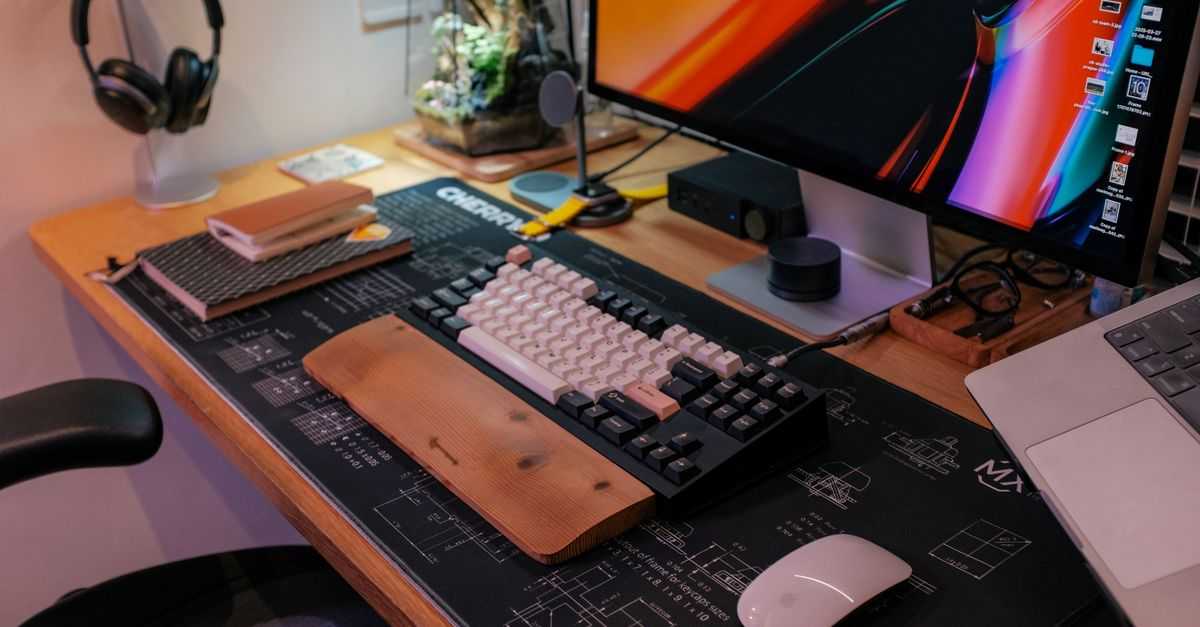
Master the art of setting up a productive workspace within 24 hours of arrival. Complete guide for nomads to optimize any location for remote work.

Complete system for digital nomads to handle mail forwarding, document storage, and minimize possessions without a permanent address.
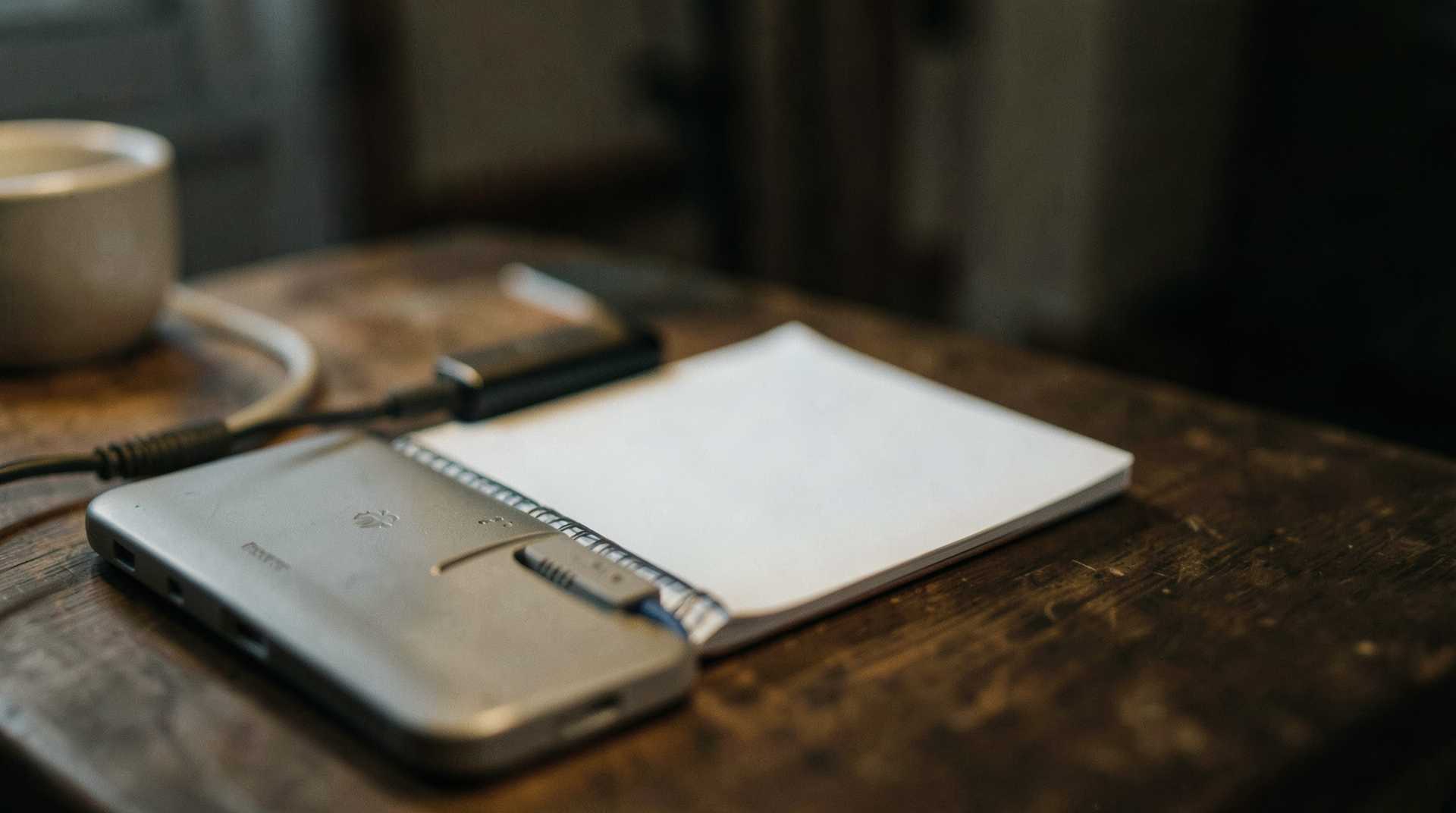
Essential backup strategies and workflow adaptations for digital nomads when internet fails. Practical tips for staying productive with unreliable connectivity.
Get the best nomad resources, tips, and exclusive deals delivered straight to your inbox. No spam, just valuable content for your nomad journey.
Join fellow nomads. Unsubscribe anytime.